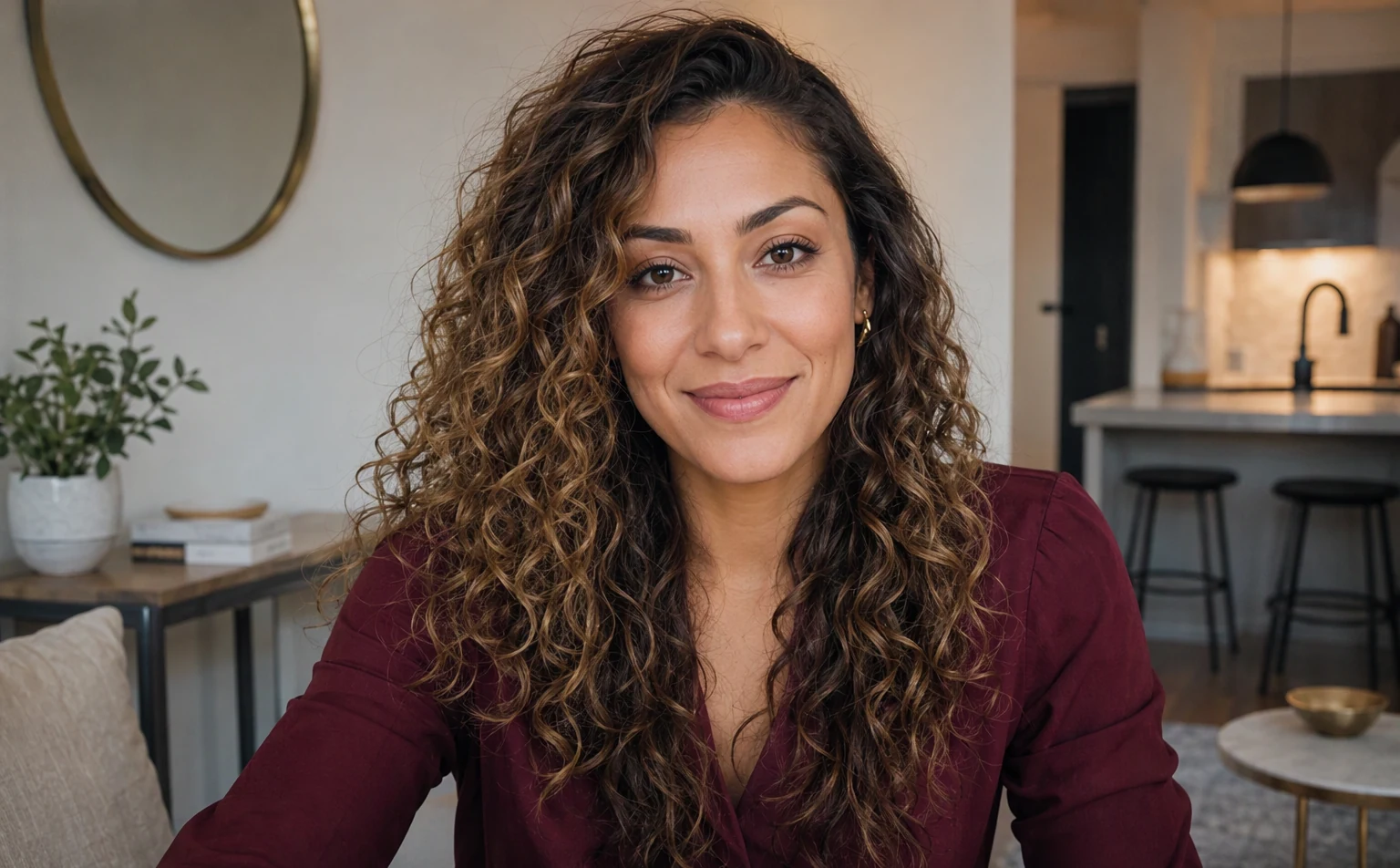
Two cameras. One private conversation.
Cam to cam means video travels in both directions: you see your match and your match sees you. It is a conversation rather than a one-way broadcast, with both people able to speak, listen, and react.
A private 1v1 format keeps that exchange focused. There is no audience chat and no performer-viewer dynamic, only two adults deciding whether they want to keep talking.
- Live two-way video and audio
- Private one-to-one rooms
- Optional text alongside the call
Quick camera and microphone check
Your browser should ask before a site can use your camera or microphone. Choose the correct devices, preview the image, and test your audio before entering a match.
If video does not appear, confirm that no other application is using the camera, browser permission is allowed, and the selected device is correct. Headphones reduce echo and make voices easier to understand.
- Allow permission only in your browser prompt
- Select camera and microphone before matching
- Mute or disable video at any time
Good lighting, better conversations
Face a window or soft light rather than sitting with a bright light behind you. Raise the camera near eye level and keep a comfortable distance so your expressions are visible.
Just as important, look at what the frame reveals. Remove mail, documents, location clues, and other people who have not agreed to appear. A virtual background may help, but a tidy neutral space is often clearer.
- Use soft front lighting and a stable device
- Keep identifying objects out of frame
- Make sure others consent before appearing